


Substack have rolled out a nifty new feature, which you’ll find in the editor under the More menu:
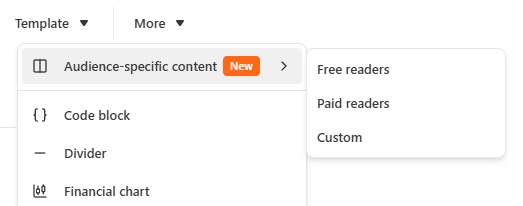
Audience-specific content makes it possible to build chunks of your newsletter which are only visible to specific cohorts. When you add one of the blocks it looks something like this:
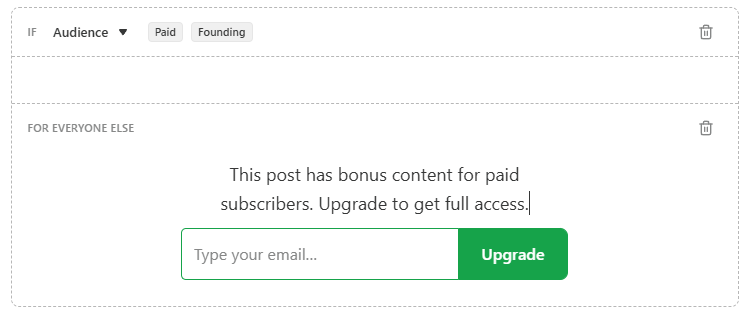
You can adjust who receives it, add anything you like into the content area, and optionally include alternative content for anyone not in the specified audience.
A few use cases off the top of my head:
Bonus material for paid subscribers (without invoking the paywall or locking comments — I think?)
Subscription invites that are only seen by people who are not yet subscribed
All CTAs for subscribing/upgrading can be hidden from paid subscribers
Include sponsor messages or even ads, but keep them hidden for subscribers or paid subscribers
Let me know how you might be using these down in the comments!


